

The July 2025 SharePoint breach


In July 2025, a breach involving self-hosted Microsoft SharePoint servers put organisations around the world on alert.
Attackers exploited flaws in a tool that many businesses rely on to manage and share documents.
The incident is a reminder to keep a recoverable copy of important data outside the system that normally stores it.
What happened in the SharePoint breach
What happened in the SharePoint breach
The vulnerabilities associated with the ToolShell attacks included:
CVE-2025-49704
CVE-2025-49706
CVE-2025-53770
CVE-2025-53771
Attackers could take control of affected servers without signing in, steal cryptographic keys, leave backdoors and deploy ransomware such as Warlock or LockBit.
Microsoft linked activity to several groups, including Linen Typhoon, Violet Typhoon and Storm-2603.
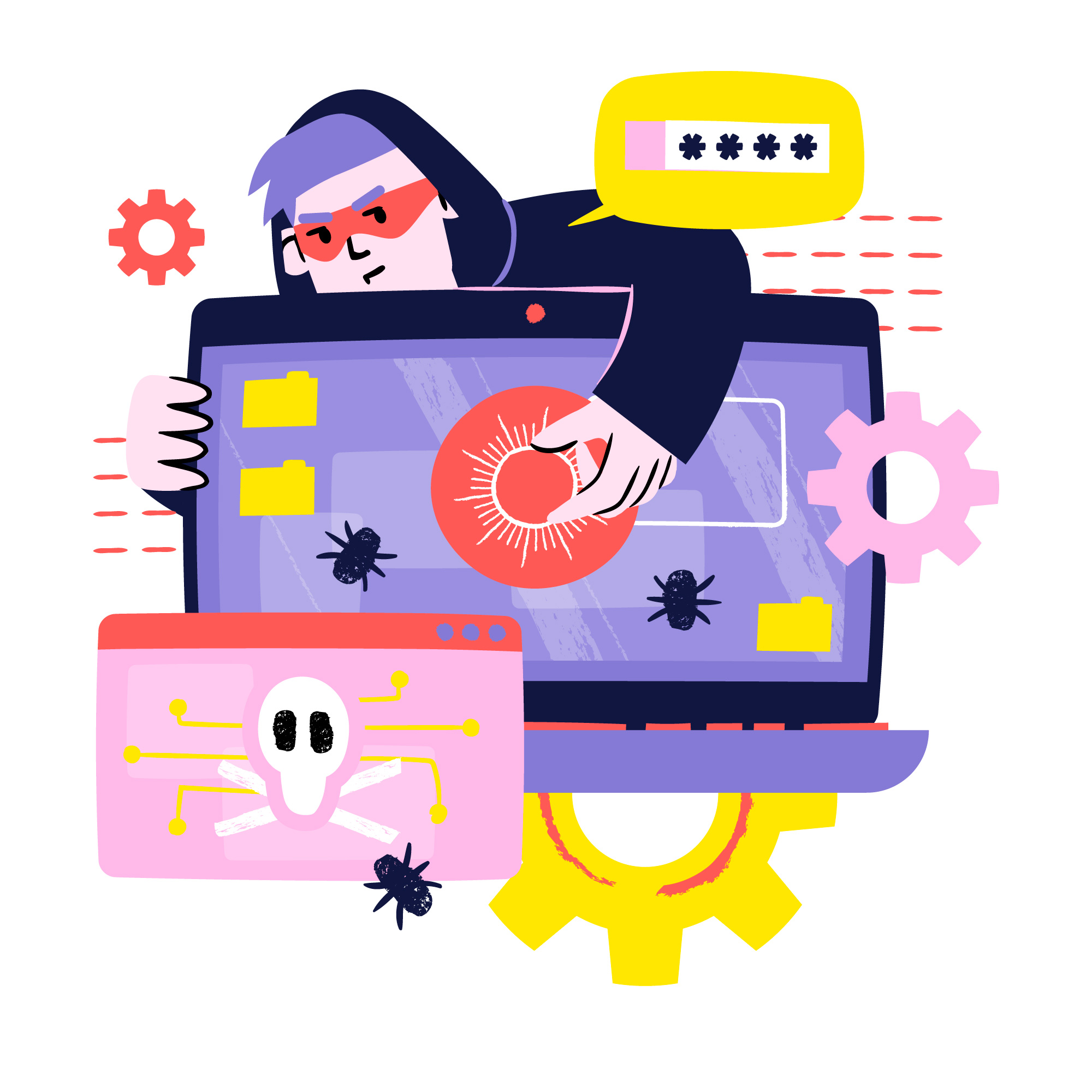
The attacks affected organisations in government, education, healthcare, energy and finance across several regions.
Self-hosted SharePoint and SharePoint Online
The attacks targeted self-hosted SharePoint Server installations.
SharePoint Online in Microsoft 365 was outside the scope of this incident.
The article reported that the US National Nuclear Security Administration had already moved much of its environment to Microsoft 365.
Cloud services can still face outages or incidents, so include them in your backup and recovery plan.
Keeping a backup on your own NAS
Keeping copies in more than one place helps you recover when one service or location fails.
A disruption can affect a local server or a cloud provider. Plan for both.
Network-attached storage (NAS) can give you another place to keep a backup.
1. Control over your data
You can keep files on your premises and decide how the NAS connects to the network.
2. Rapid recovery
A local restore can be faster than downloading a large volume of data from a cloud service. Actual recovery time depends on the size of the backup and your connection.
3. Flexible storage and retention
You can expand capacity, choose retention policies and configure disk redundancy to suit your needs.
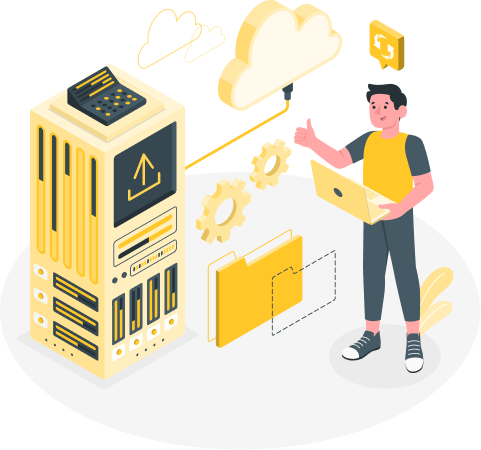

4. Less dependence on one provider
A separate backup gives you another recovery option if your cloud service is unavailable or compromised.
5. Long-term savings
Local storage can be economical for large data volumes. Factor in hardware, maintenance and ongoing monitoring when comparing costs.
Secure the NAS as well
Apply these precautions to keep the storage itself protected:
- Keep its firmware up to date.
- Use strong passwords and two-factor authentication.
- Segment the network to limit the spread of an incident.
- Follow the 3-2-1 backup rule:
- Keep three copies of the data.
- Use two different types of storage.
- Keep one copy off-site, for example in another cloud or on a NAS at a separate location.
Conclusion
The July 2025 SharePoint breach shows why it pays to plan for failures both on premises and in the cloud.
Combine local storage, cloud backups and a separate off-site copy to give your team more recovery options.
We can help you plan backups around the systems and services your business uses.
Get in touch if you’d like to discuss your options.